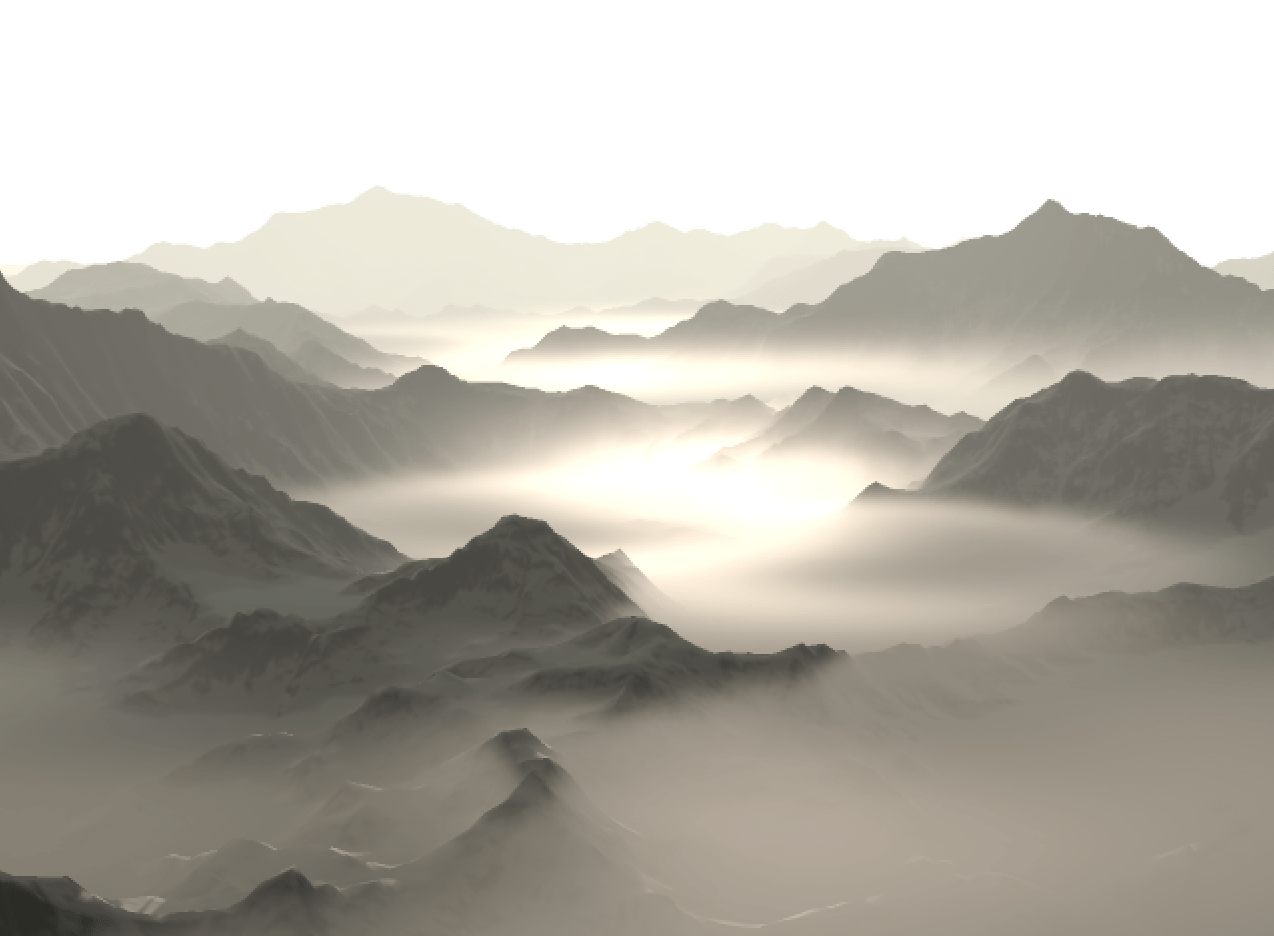
In this post I’m going to cover a neat technique for rendering regions of fog with varying density. I’ll start by covering some of the basic principles behind fog rendering and a few common solutions before describing the technique itself. There will be a bit of maths involved – you’ve been warned!
A Brief Review of Fog Rendering
For those unfamiliar, rendering fog boils down to simulating the behaviour of light as it passes through a medium. The simplest behaviour we can model and the one we’re going to focus on is absorption, or the loss of light energy. In basic terms, the more ‘stuff’ that light has to pass through, the more energy it loses.
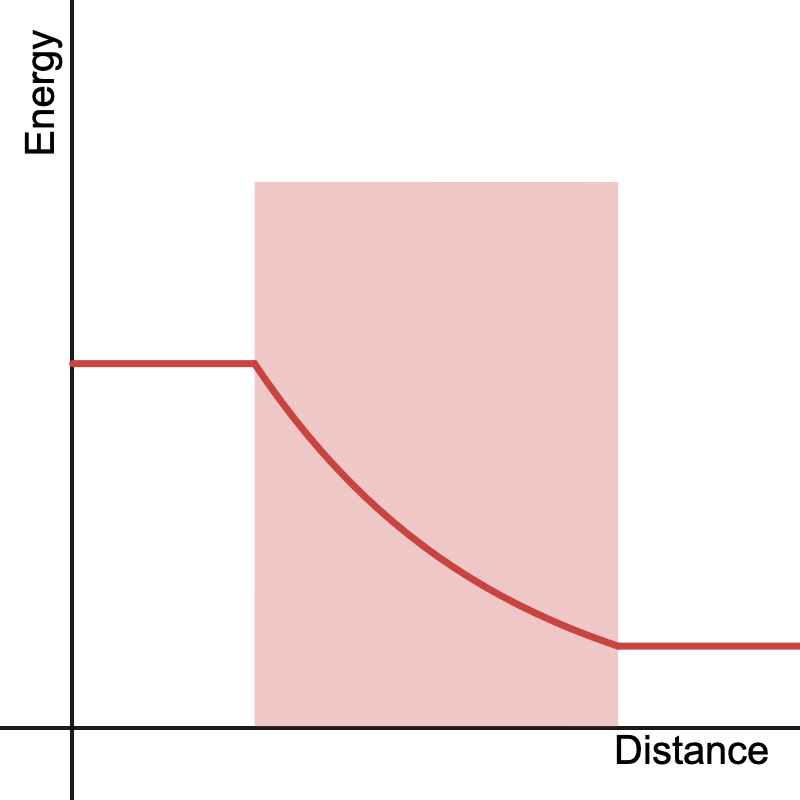
The ratio of outgoing light to incoming light after a given ray passes through a medium is called the transmittance, its value 

Where 


Where 


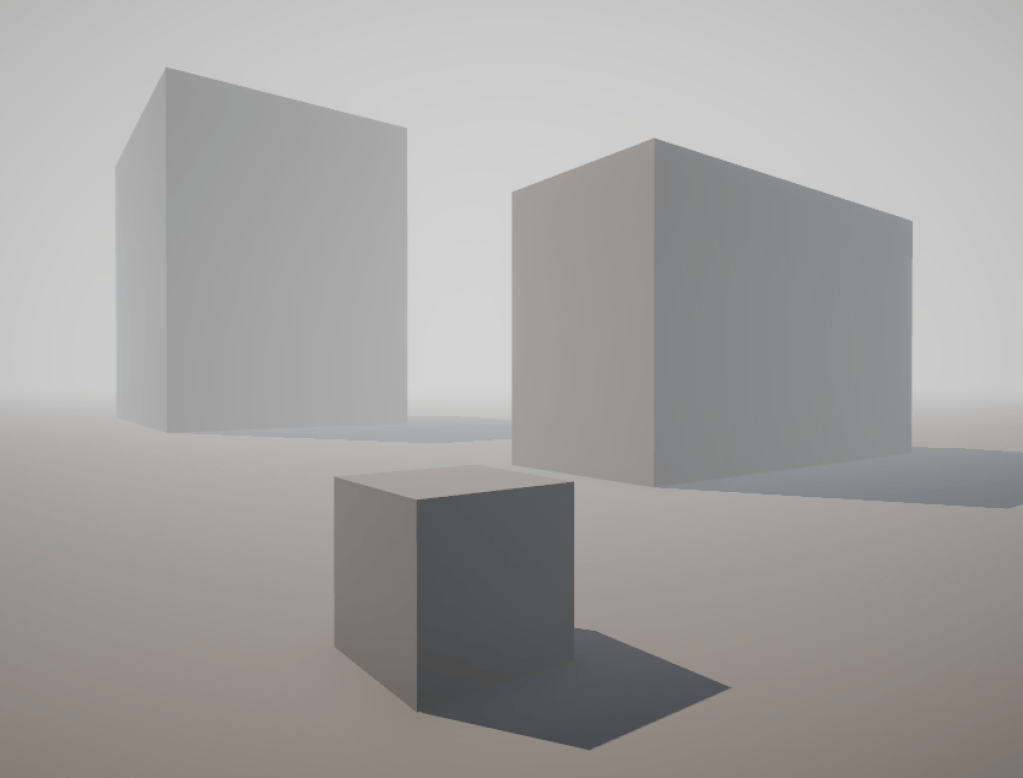
This is more or less the approach the approach used to render simple distance fog in games. Sometimes the Beer-Lambert Law is foregone completely and just the total density 
By constraining our medium within a bounded region we can give ourselves a bit more flexibility on the appearance of fog within a scene. The simplest approach is to use primitives such as planes, spheres or boxes as bounding volumes. By determining the intersection of our view ray with these primitives we can find the length of the ray through the volume and calculate the total density
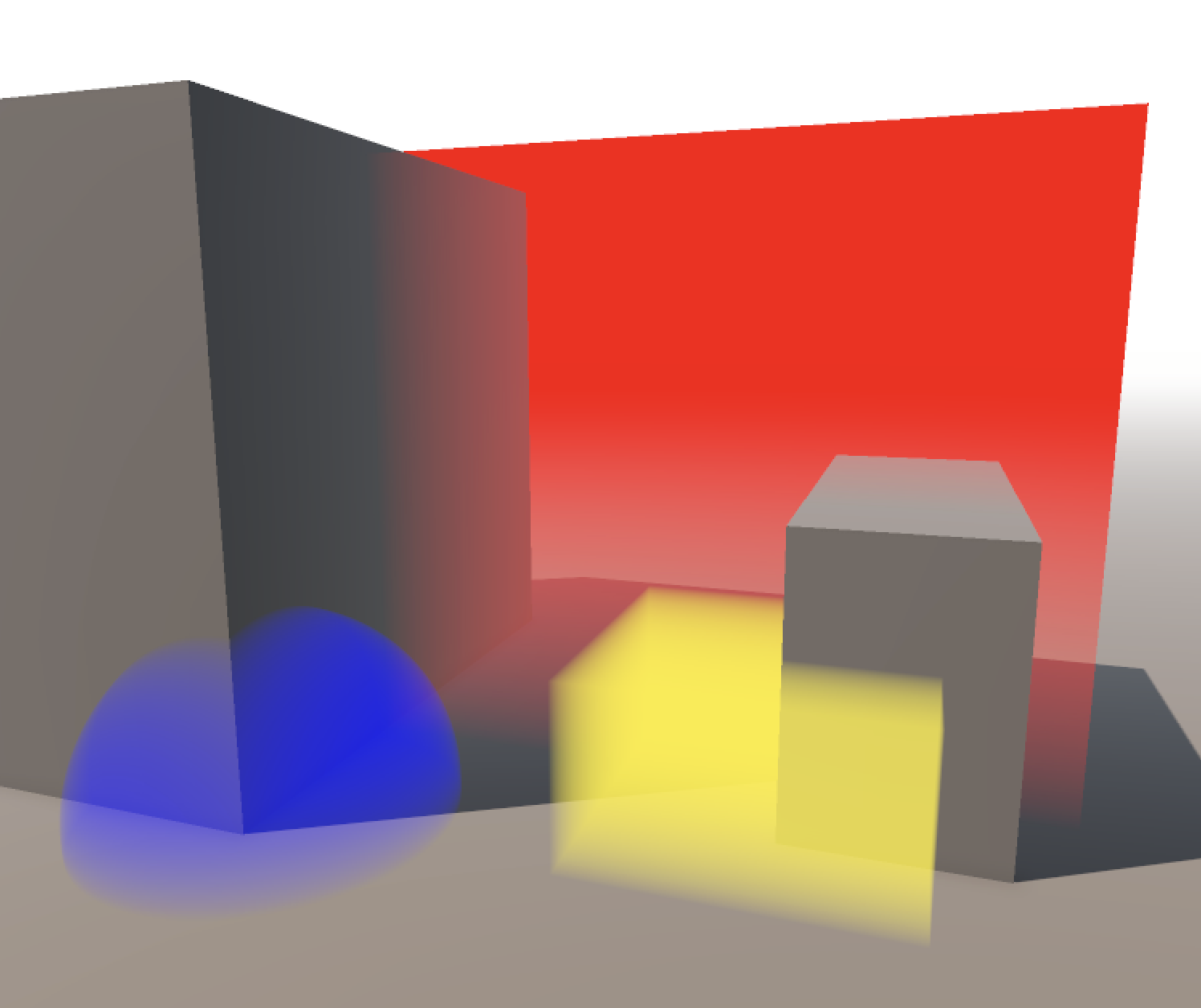
I won’t cover ray-primitive intersection here as it’s beyond the scope of this post and there are loads of resources describing efficient algorithms to do this already. Inigo Quilez has a number of great examples on how to implement these on his website.
Heterogenous Volumes
In reality it’s rare that we can take a medium’s density as constant throughout its entire area, especially when it comes to clouds or smoke. When a medium has a non-constant density we say that it is heterogenous. A greater range of effects can be simulated if we take this into account when rendering. Unfortunately this can complicate the equation quite a bit. Now

Here, 


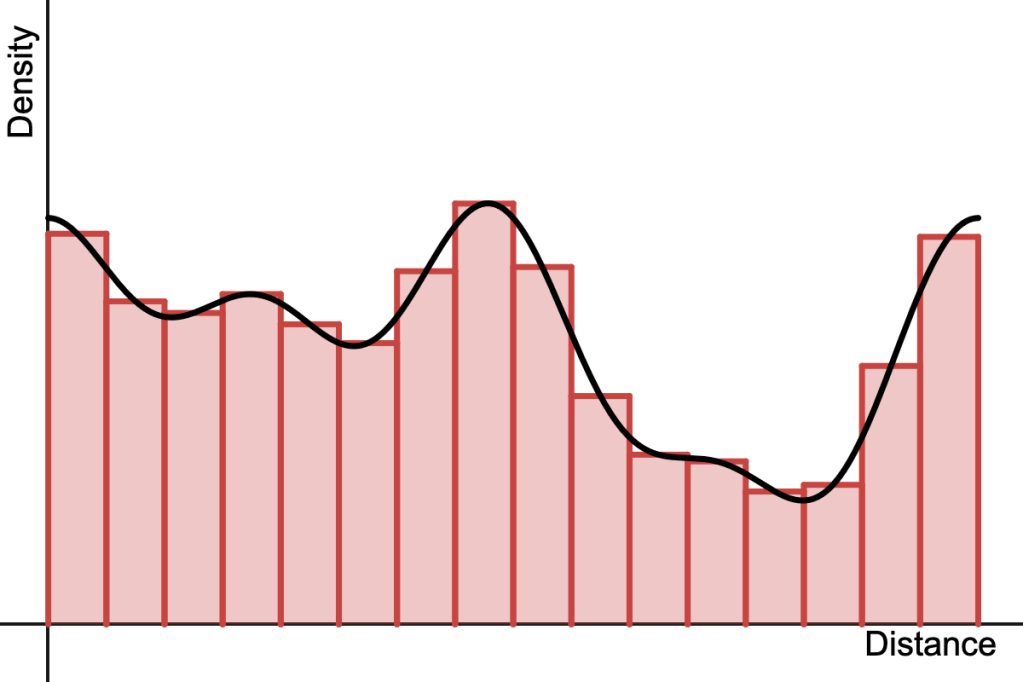
This is effectively what ray-marching does and is pretty much the bread and butter of modern volume rendering. It’s extremely flexible – we don’t care what the density function is, and in fact we may not even know what it is, but as long as we can sample it at arbitrary points (e.g. via a volume texture) we can numerically evaluate the integral.
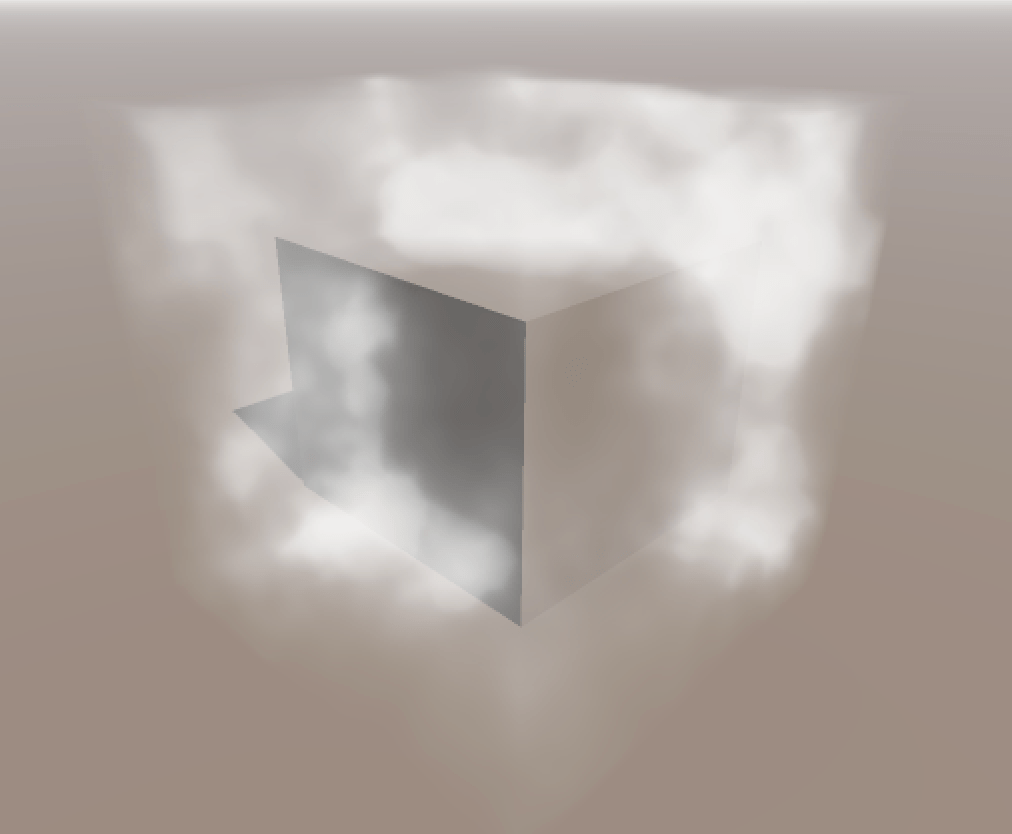
Ray-marching does have its drawbacks however, most notably in the form of aliasing as a result of using too few samples to approximate the integral. While analytic solutions are less flexible, they will never alias and are often faster to compute, which is good motivation for finding analytic expressions for different types of media.
Radial Functions
A function that depends on the distance of some point
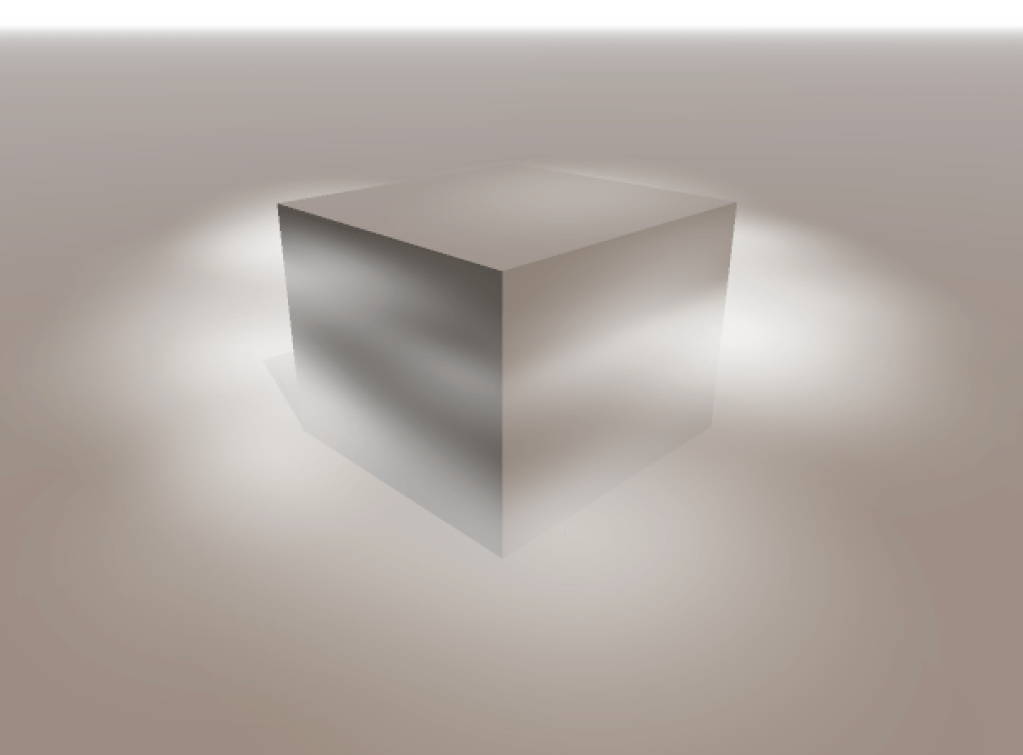
Getting the integral along a line segment is not too difficult for simple functions. Recall that a radial function is dependent on the distance of a point
The equation for a point on a ray with origin 


So the distance to any point along the ray can be expressed as:

Where:

For a given radial function we can rewrite it in terms of 

We can apply linear transformations to the ray origin 


All that’s left is to find the antiderivative of our new function and evaluate it at the limits corresponding to the start and end of the ray. If 

However, it’s possible that we run into issues with numerical precision when the ray origin is far away from the primitive. We can fix this by moving 

Now I’m going to go through a few radial functions and find the antiderivative of the density along a given ray. You know – for fun!
Linear Density
This function corresponds to a triangular function in 1D or a cone in 2D. It’s described by the following equation:

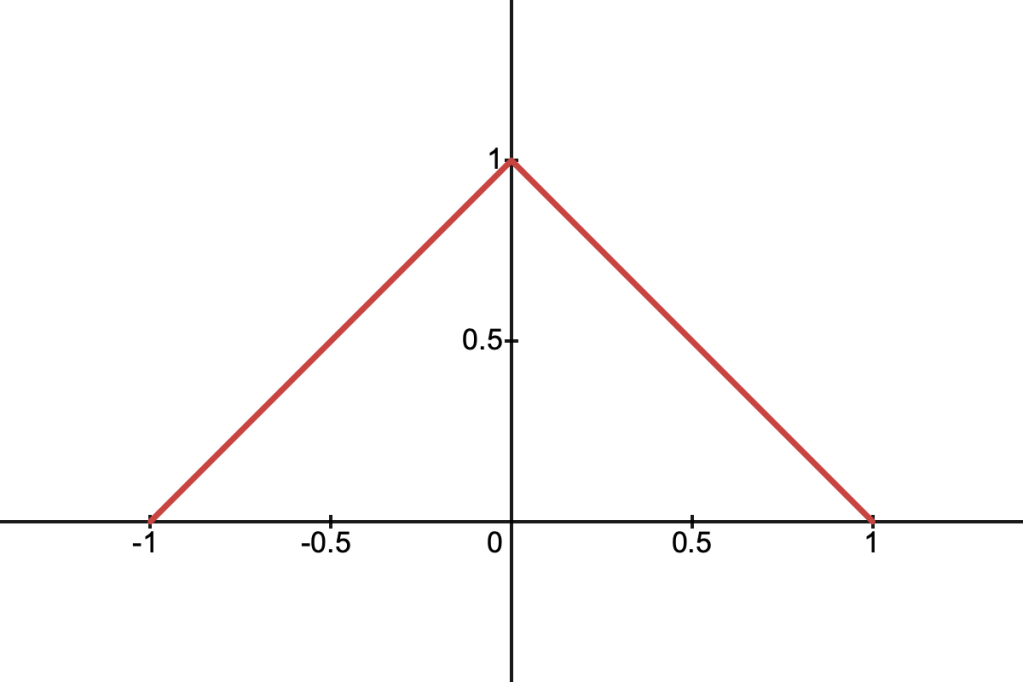
Using the same logic as above, we can define the function for the density along an arbitrary cross-section, which we’ll call 

To find the antiderivative 


Then by setting:

We can use the following identity:

Which gives us the final equation, still using 


It might be a good idea to add a small offset to the value inside the logarithm, avoiding precision errors near 0. Here’s what all that looks like in code:
float antiderivativeLinear(float a, float b, float c, float t)
{
    float u = t + b / a;
    float v = (b * b - a * c) / (a * a);
    float radical = sqrt(u * u + v);

    return t - sqrt(a) * (u * radical - v * log(0.001f + u + radical)) / 2.0f;
}
Quadratic Density
This function resembles a parabola and is described by:

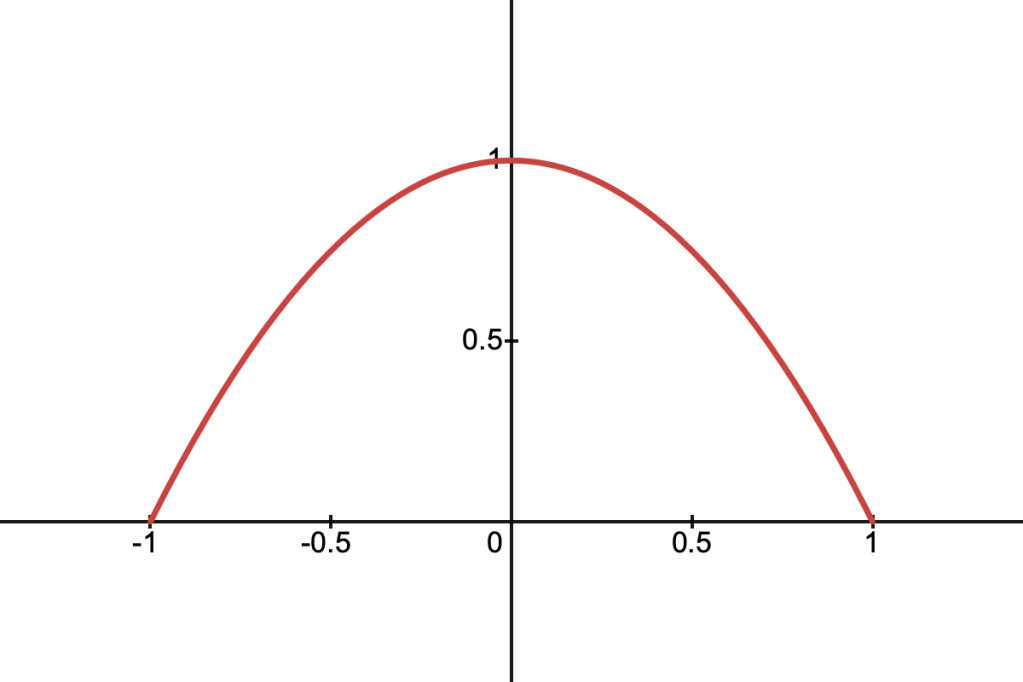
Its cross-section along a ray is given by:

Which is nice because we don’t have to deal with any square roots. The equation is a quadratic polynomial in

float antiderivativeQuadratic(float a, float b, float c, float t)
{
    return t * (t * (t * a / -3.0f - b) - c + 1.0f);
}
Quartic Density
This function is given by:

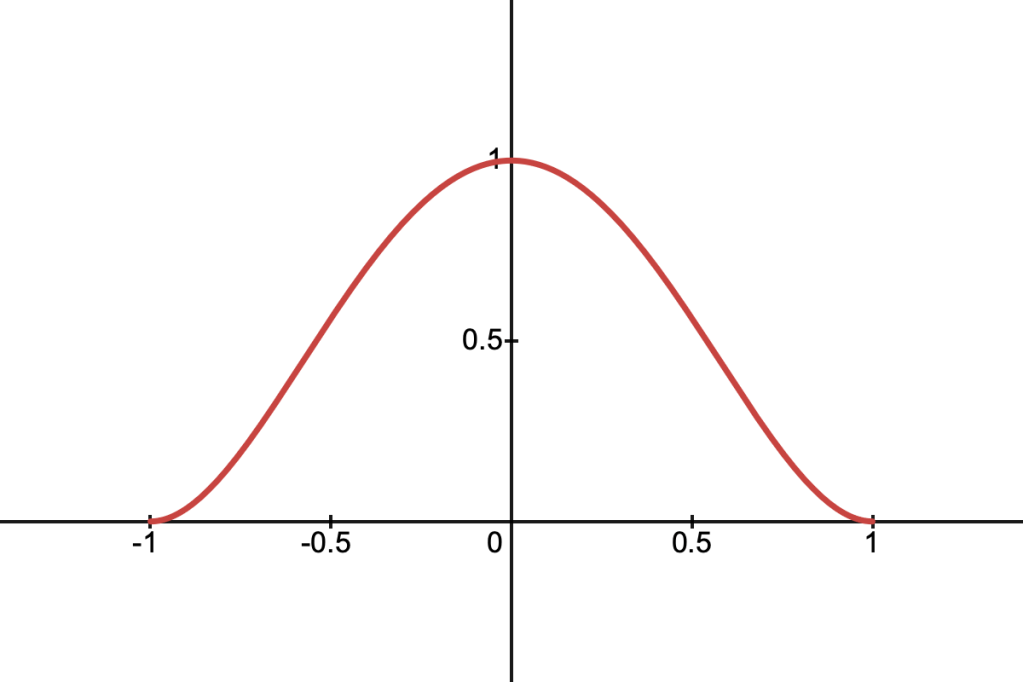
And its cross-section along a ray is:

This function is particularly nice because its derivative is zero at the boundaries, similar to smoothstep. The cross-section is a quartic polynomial in t, and the antiderivative is also easy to find:

float antiderivativeQuartic(float a, float b, float c, float t)
{
    return
        t * (t * (t * (t * (a * a * t / 5.0f + a * b) +
        (2.0f * b * b + a * c - a) * 2.0f / 3.0f) +
        (b * c - b) * 2.0f) + (c * c - 2.0f * c + 1.0f));
}
Spiky Density
This is a density function which peaks sharply in the centre and falls off smoothly to zero at the boundaries. It’s defined as:

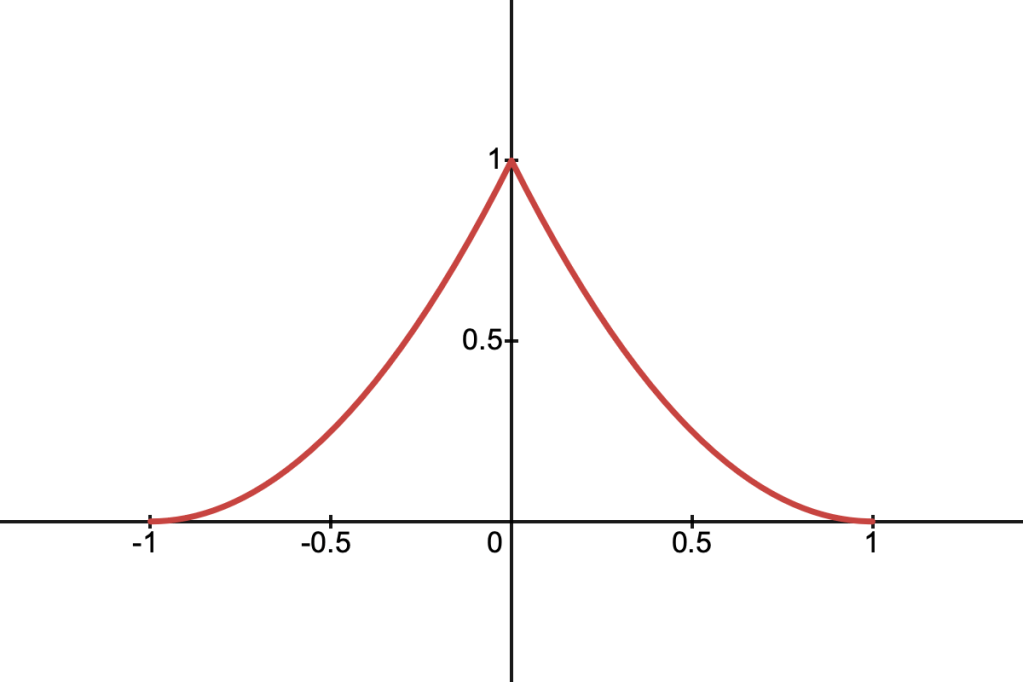
It’s cross-section is given by:

To find the antiderivative, start by expanding out the brackets:

We can deal with the 

Where once again:

float antiderivativeSpiky(float a, float b, float c, float t)
{
    float u = t + b / a;
    float v = (b * b - a * c) / (a * a);
    float radical = sqrt(u * u - v);

    return
        t * (t * (t * a / 3.0f + b) + c + 1.0f) -
        sqrt(a) * (u * radical - v * log(0.001f + u + radical));
}
Gaussian Density
This is the well-known Gaussian function, defined as:

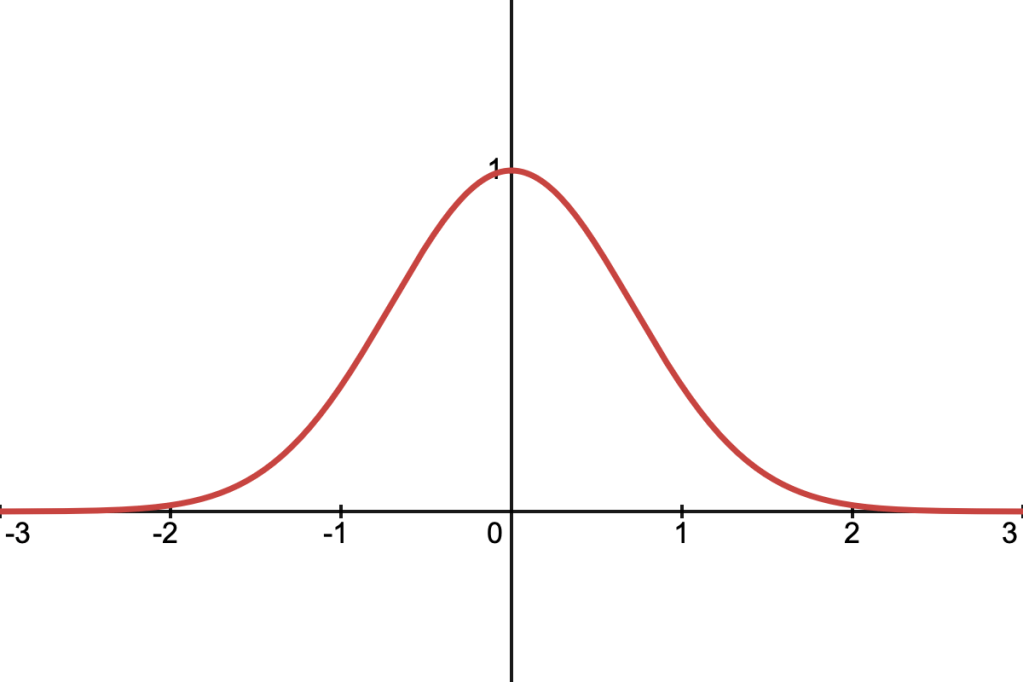
It’s cross-section along a ray is:

To find the antiderivative we need to use a function known as the error function, defined as:

To start, we can complete the square in the exponent, which lets us pull out some constant terms from the main integral:

Now we’ll rearrange the exponent so that it’s in the form 

Which lets us use the following substitution:

Yielding:

And after substituting back into our original equation, we arrive at the following solution:

The Gaussian is the only function we’ve covered that doesn’t fall to 0 when 

// Approximation of erf.
float erf(z)
{
    float az = abs(z);

    return
        sign(z) * (1.0f - 1.0f / pow(1.0f + az * (0.278393f + az *
        (0.230389f + az * (0.000972f + az * 0.078108f))), 4.0f));
}

float antiderivativeGaussian(float a, float b, float c, float t)
{
    float sqrtA = sqrt(a);

    return sqrt(PI) * exp(b * b / a - c) * erf((a * t + b) / sqrtA) / (2.0f * sqrtA);
}
Extra Stuff
One thing I’ve left out is how to make these volumes respond convincingly to light and shadow. Unfortunately the full equation describing this physical behaviour is too complex to solve analytically. However, a quick hack is to apply a very simple shading model to each individual primitive in the hopes that, as a whole, the medium appears to react to light as we expect it to.
Representing fog as a collection of primitives opens up some neat possibilities as well. For example, it shouldn’t be too hard to hook these primitives up to a particle system to achieve dynamic or animated fog effects. If we want to be clever we can also use boolean operations to create more complex bounding volumes. This could be used to produce a simple fog of war effect for instance.
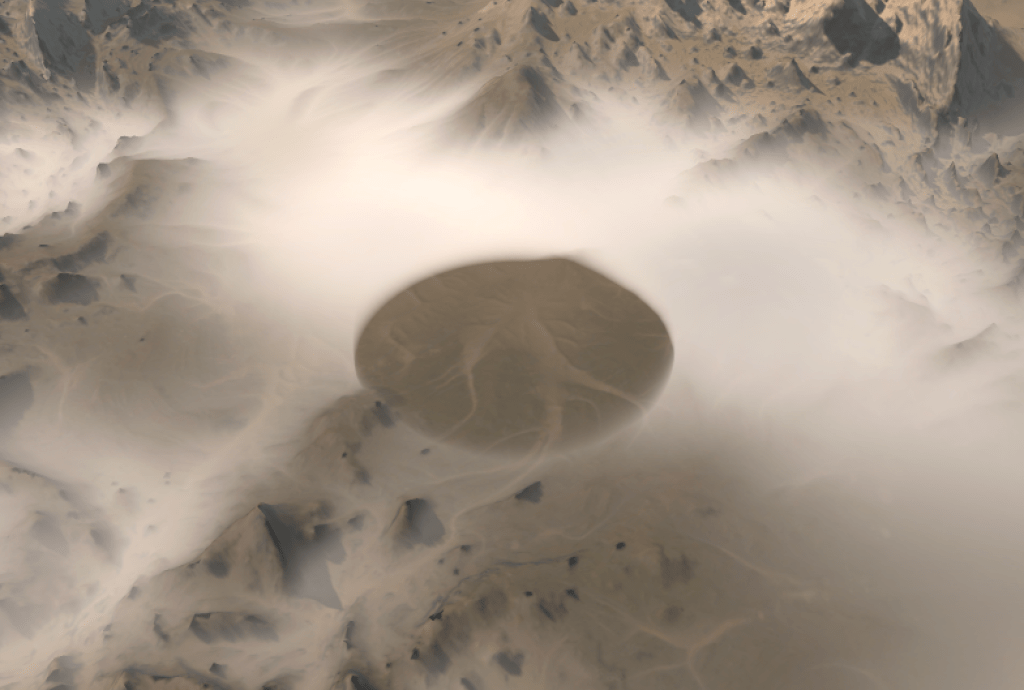
I hope you’ve found this technique interesting and find some potential uses for it in your projects. If you’d like a visualisation of all these density functions along with their source code, please take a look at this Shadertoy implementation I put together. Thanks for reading!

 matejlou's blog